
A home screen for you
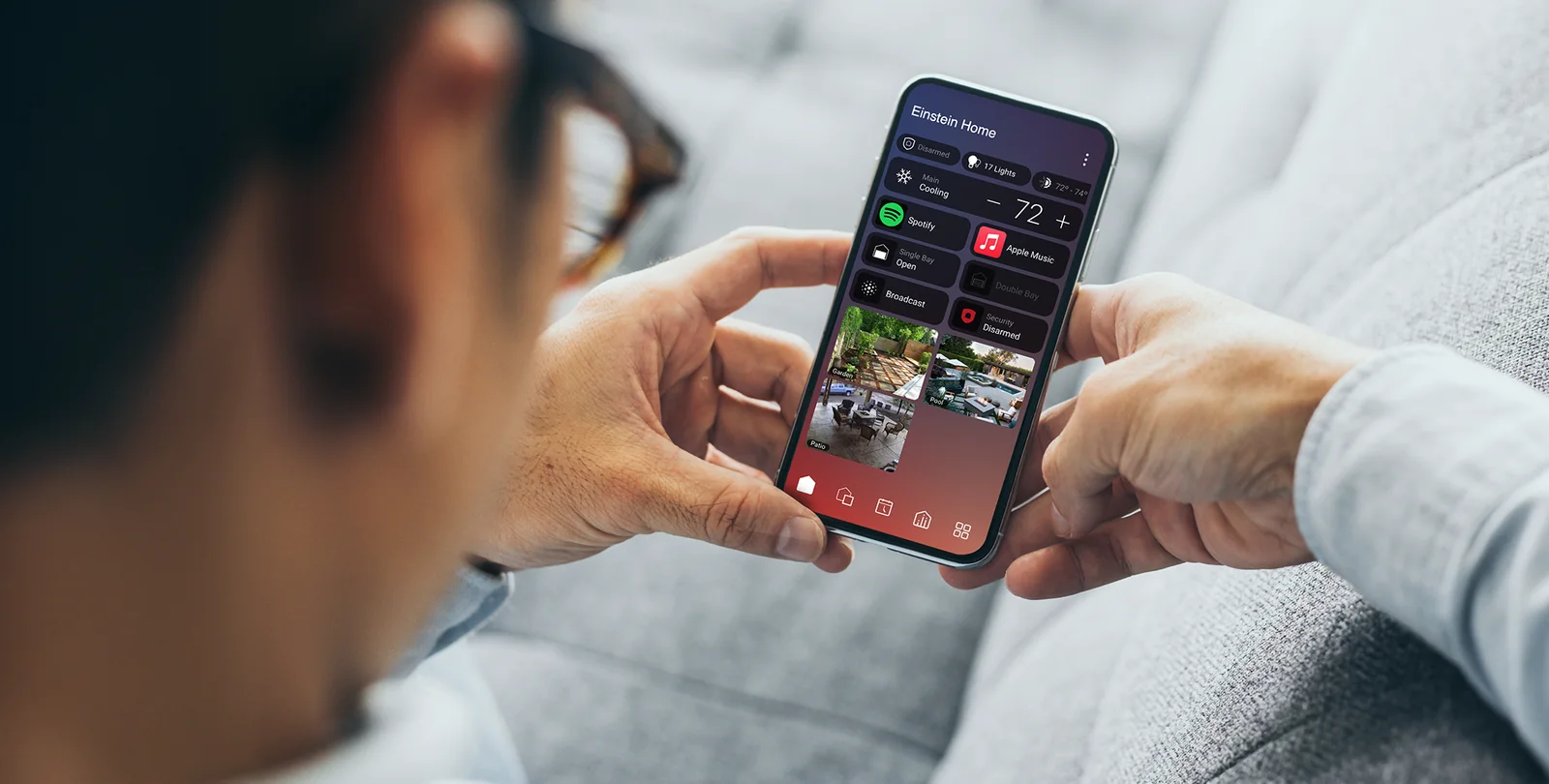
Bring favourite rooms, devices, scenes and useful status onto a more personal starting screen.
X4 puts the controls you use most up front. NorthTech checks what your system can support before recommending the move.
Explore a better home screen, useful Routines and eligible Apple Home and Siri control. Your controller, software, connected devices and Control4 service determine the right upgrade path.
Assessment first. No blanket promise that every existing device can upgrade or appear in Apple Home.
Often there is a path, but it depends on the installation. We confirm compatibility, any equipment or software changes, the account handover and which features matter to you.
“The question is not just whether X4 can run. It is whether your lighting, security, audio and everyday scenes still work the way you expect.”
X4 changes the experience of using a configured Control4 home. These are platform capabilities; your installed equipment determines the final result.
Bring favourite rooms, devices, scenes and useful status onto a more personal starting screen.
Set up supported actions and schedules around the way your household actually moves through the day.
Reach compatible cameras, climate and entertainment controls with fewer steps.
Bring selected eligible Control4 lights and scenes into Apple Home. Ask Siri on iPhone or HomePod to control supported items after NorthTech verifies the X4 setup and Connect service.
Images and features show the Control4 platform. NorthTech confirms functions against your system.
NorthTech’s two-minute X4 demo shows how lighting, security, cameras and entertainment can come together in a personalised smart home. We assess the installed system before recommending which features to bring into yours.
Watch on NorthTech’s YouTube channel ↗An X4 recommendation starts with the installed system, the connected products and the functions you rely on. The assessment can reveal a simple software path, an equipment change or a staged improvement.
Request an X4 assessment ↗We confirm the assessment scope and any site visit before work begins.
Control4 X4 can make selected supported devices and scenes available in Apple Home. NorthTech verifies the Control4 integration, each device type and the active Connect service before promising voice control.
If your home has C-Bus lighting or other third-party systems, we check the complete path into Control4 and onward to Apple Home. The brand name on a controller alone does not establish compatibility.
Apple Home is a separate interface. Not every Control4 function or third-party product is exposed to it.
An active Control4 Connect service is required for Apple integration. NorthTech checks current eligibility and the exact items before commissioning.
The assessment determines the scope. These are examples, not fixed packages or a price promise.
Improve everyday programming and layout where the existing equipment already meets the goal.
Discuss my system →Plan the eligible software, account and configuration work, then test the functions your family uses.
Assess X4 eligibility →Consider compatible lighting, CCTV, security, audio or access changes alongside the X4 transition.
Explore wider upgrades →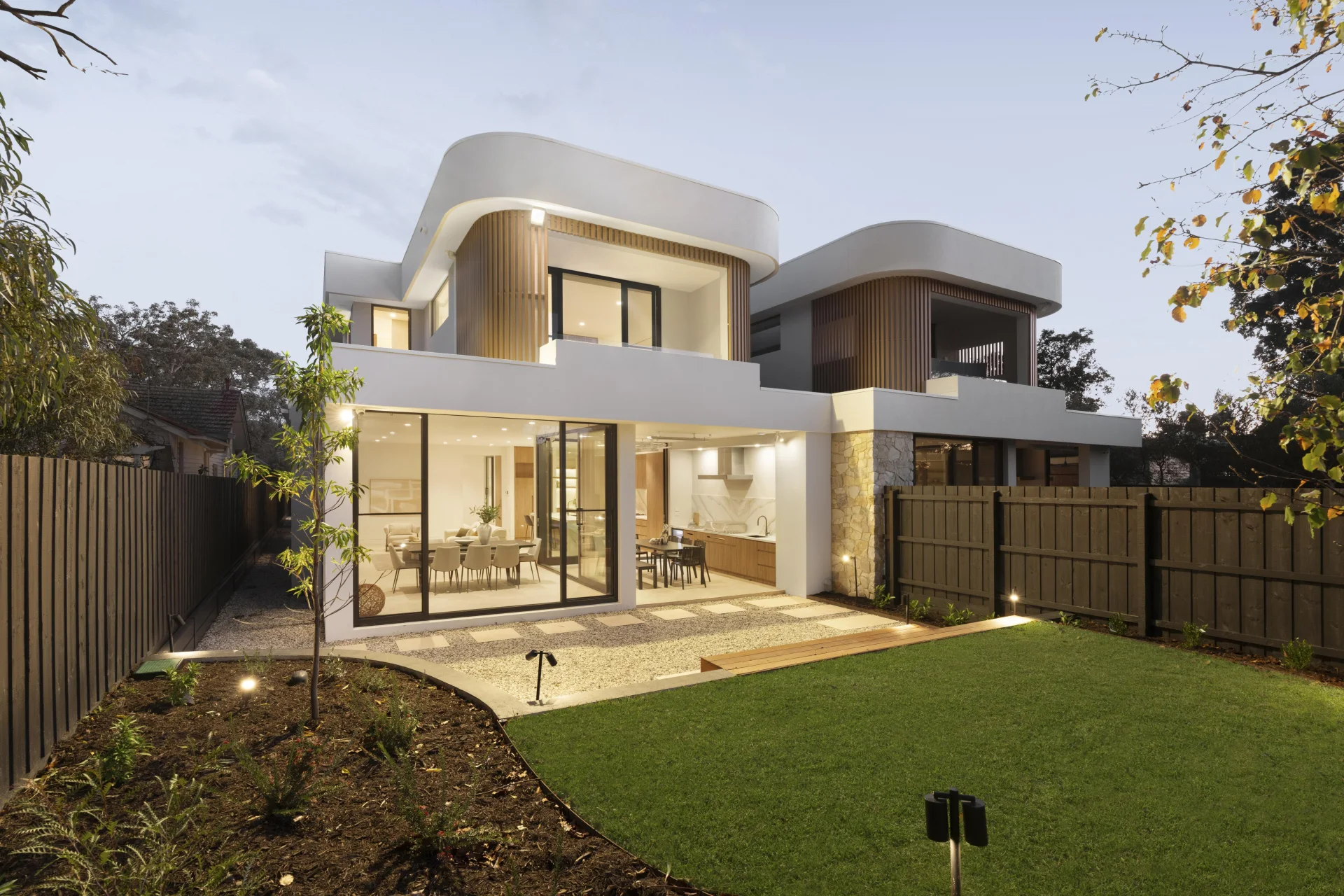
NorthTech's Mont Albert installation connects security, lighting, multi-room audio, CCTV, intercom and access through Control4. It shows the breadth of the team's integration work. An existing-home X4 assessment begins with what is already installed.
See NorthTech projects ↗Possibly. The current controller, software, devices, drivers and registration determine the path. NorthTech assesses those before recommending an upgrade or any hardware change.
The X4 experience can be used without a Connect subscription, but Apple integration, remote access and some other services require Connect. NorthTech explains the current subscription and feature requirements for your installation.
Selected lighting may be possible when the installed C-Bus interface, driver and configured Control4 devices support the full path through X4 to Apple Home. We test the actual lights and scenes before promising a result.
Not automatically. An assessment separates software, configuration and account work from any controller or device changes genuinely needed.
Tell NorthTech what you use today, what feels awkward and which Apple, lighting, security or entertainment experiences matter next.