
Rooms no longer respond
Lights, blinds, audio or TV control behave differently from the way the home was programmed.
Lost touch with your installer? Inherited a system? Ready for more from the home you already have?
NorthTech assesses existing Control4 systems across Melbourne. We identify the fault, document the installation and explain practical options for repair, programming, expansion or an X4 upgrade. You get a clear plan before significant work begins.
We can assess systems installed by another company. Scope depends on equipment, access and condition.
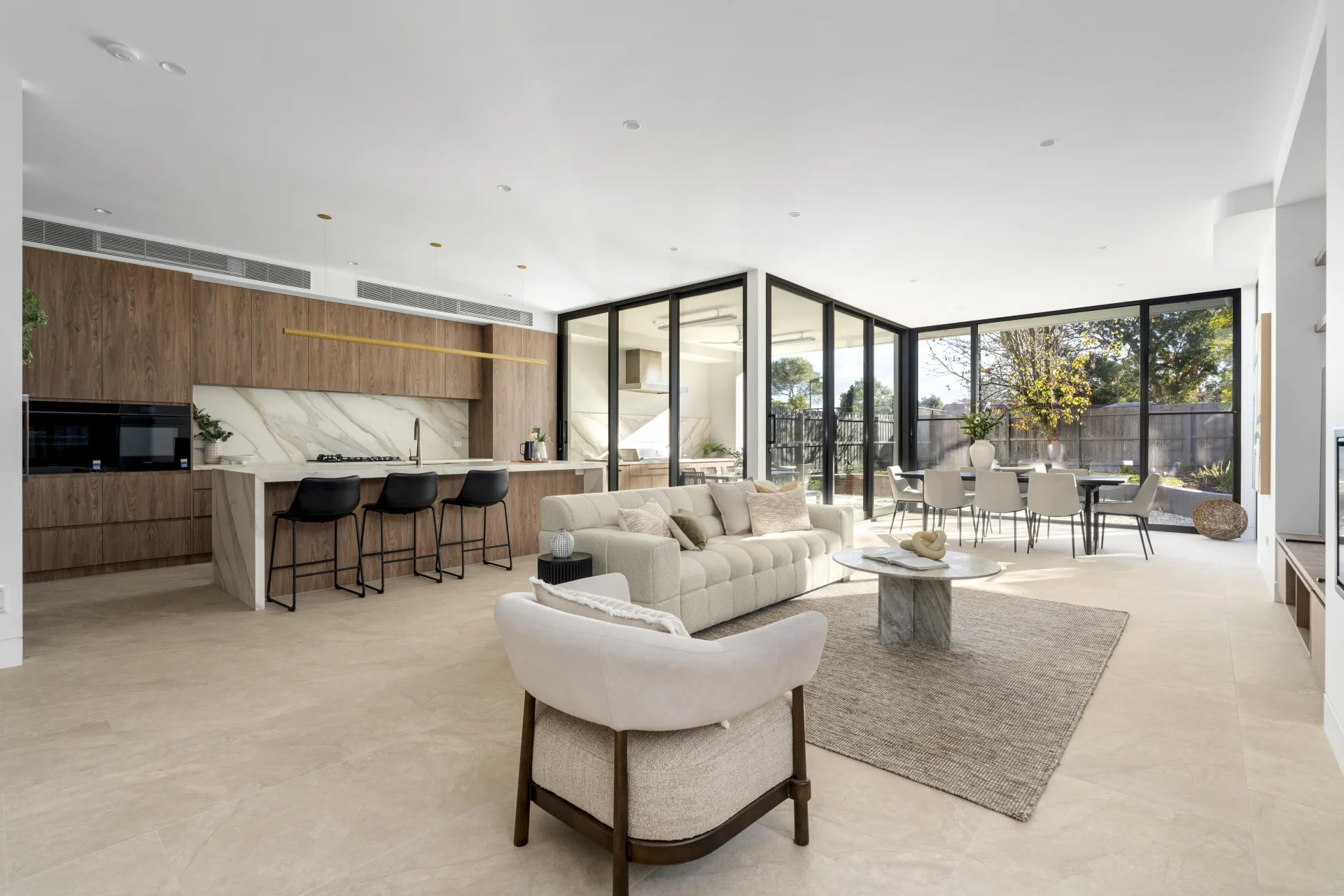
Tell us what happens in the room. We can investigate the system behind it.
Lights, blinds, audio or TV control behave differently from the way the home was programmed.
A new TV, router, phone or internet service left part of the system disconnected or awkward to use.
You bought a home with Control4 or need a responsive team to take responsibility for it.
Your routines, security, entertainment or access needs have changed since the system was installed.
Examples are common enquiry types, not a remote diagnosis. NorthTech checks the cause before proposing work.
An inherited or unreliable system can contain working equipment alongside old programming, undocumented changes and network faults. We start by finding out what is actually installed and which functions matter to you.
That lets us separate a repair from a wider upgrade and give you realistic choices.
Tell us about your systemThe exact assessment scope and any site visit are confirmed with you first.
NorthTech can review a Control4 installation created by another dealer. We document the system we find, identify what needs attention and explain the access, programming and support path before taking on ongoing work.
The goal is a stable, maintainable system that suits how you live now. What can be retained is determined by the installed equipment and its condition.
Discuss a takeoverNo paperwork? We can still discuss the next practical step.
These are examples of what an assessment may lead to, rather than fixed packages.
Resolve a defined fault, update programming or replace a failed component while retaining the working parts of the installation.
Ask about a repair →Refine scenes, rooms and interfaces; review eligible software upgrades and improve documentation or networking where needed.
Explore improvements →Scope supported additions such as security, CCTV, lighting, music or cinema around the existing Control4 system.
See connected options →NorthTech can look at the whole home when a Control4 system is ready for more. Each connection depends on the actual products and available integration path.
Assess X4 eligibility and supported Apple Home or Siri functions. Hardware, software and service requirements are checked first. Explore the X4 upgrade.
Improve scenes or assess a compatible C-Bus lighting connection. Explore the C-Bus upgrade.
Consider supported camera views, alarms, access and intercoms as part of a coordinated design. See CCTV options.
Make music and entertainment easier to use across the rooms that matter. See Sonos integration.
Compatibility, available functions and any subscription are confirmed for the installed system before a proposal is made.
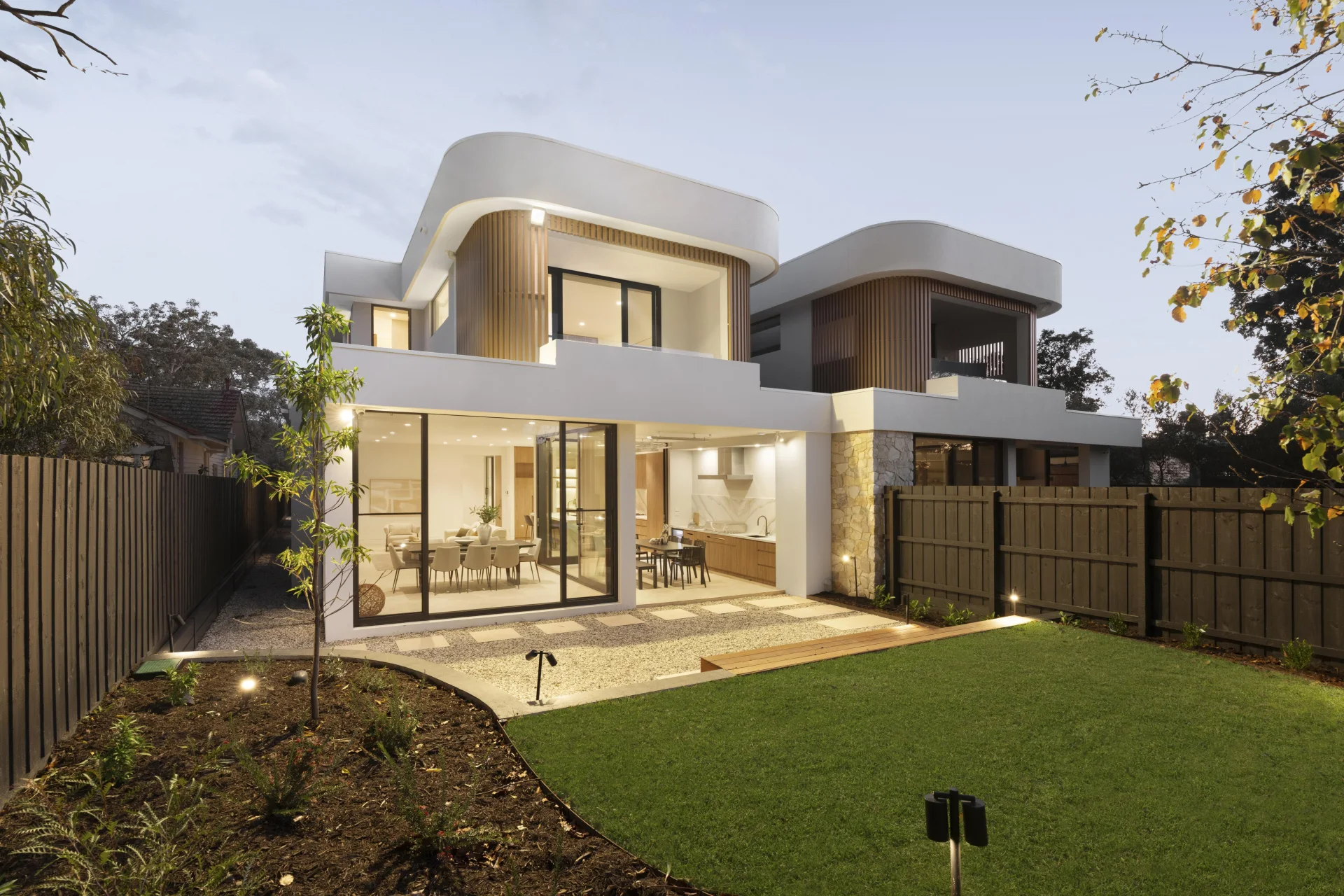
NorthTech's published Mont Albert project brings security, lighting, multi-room audio, CCTV, intercom and access control together through Control4. It shows the breadth of the team's installation and programming work.
Every existing-home service job starts with the equipment already installed.
View NorthTech projects Project photography illustrates NorthTech's work. This is not presented as a takeover or repair case study.NorthTech can assess an existing installation, document what is present and explain the practical support options. The work possible depends on system condition, access, equipment and available information.
Not necessarily. An assessment identifies what still works, what can be supported and what needs repair or replacement. NorthTech can then propose a focused repair or staged upgrade where appropriate.
Possibly. Eligibility depends on the installed controller, software, devices and current Control4 service requirements. NorthTech checks those details before recommending an X4 transition.
Control4 X4 can expose supported device types and scenes to Apple Home when the system and service are eligible. The exact devices and behaviour need to be confirmed for your installation.
Tell NorthTech what you do have. Photos, account details and a description of the problem help shape the first step; the available access and documentation are checked during assessment.
A meaningful quote needs the equipment list, fault or goal, condition of the system and likely programming time. NorthTech confirms the assessment scope first, then presents options for the work identified.
Describe the fault, the equipment you know about and the result you want. NorthTech can confirm the right first assessment and explain the next step.