
Melbourne installation guide
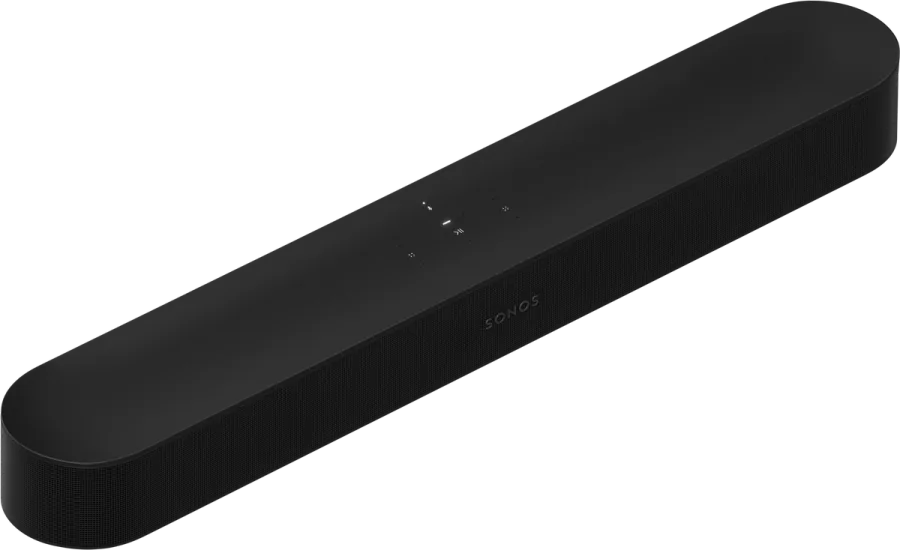
Sonos Beam (Gen 2) + Control4A clearer, calmer TV room.
Beam brings fuller sound and clearer dialogue to a compact living space without making the room revolve around audio equipment. NorthTech plans it around the TV, sources and where people sit.
 Sonos product image
Designed around the way your home works.
NorthTech’s connected-home specialty
Bring TV sound and Control4 room control together.
NorthTech can plan Beam in a Control4 living room while checking both the TV control path and Sonos music integration. These are separate setup decisions: the final controls depend on the TV, source devices and current drivers.
Dolby Atmos and other formats depend on compatible TV, content, source and settings. A Control4 scene does not create those formats.
The NorthTech view
Start with the room, then choose the product.
Beam brings fuller sound and clearer dialogue to a compact living space without making the room revolve around audio equipment. NorthTech plans it around the TV, sources and where people sit.
NorthTech confirms the signal path and everyday remote behaviour before recommending the final room setup.
What we would plan around
- Check HDMI and source connections before specifying Beam.
- Plan soundbar position and clear sightlines.
- Decide which Control4 viewing actions should be programmed.
Useful answers
Before you press play.
Can Beam work in a Control4 TV room?
Yes, NorthTech can plan the soundbar alongside a Control4 viewing setup, subject to the TV, sources and control hardware chosen.
Will every programme play in Dolby Atmos?
No. It requires compatible content, source, TV connection and settings. NorthTech checks the actual signal path.
Explore the Sonos range
Find the next piece of the Control4 home.
NorthTech can help connect the useful rooms into one system.
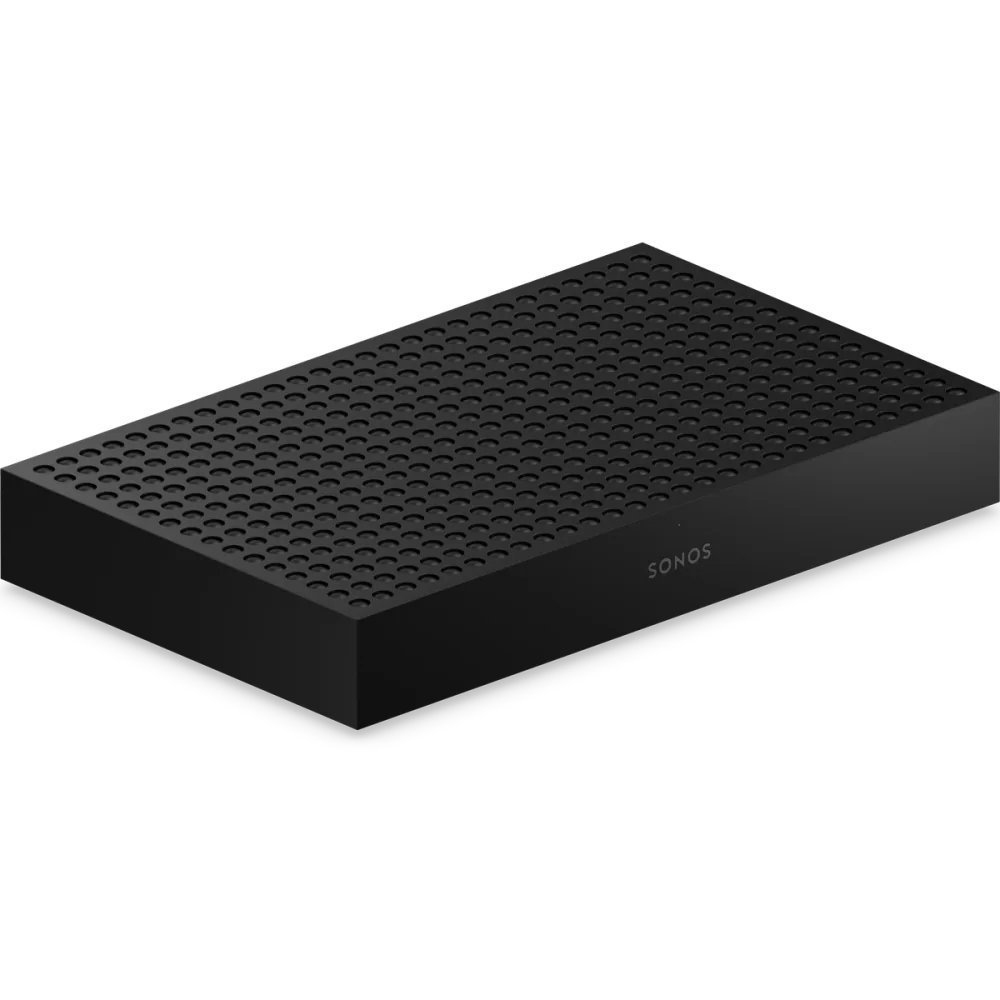
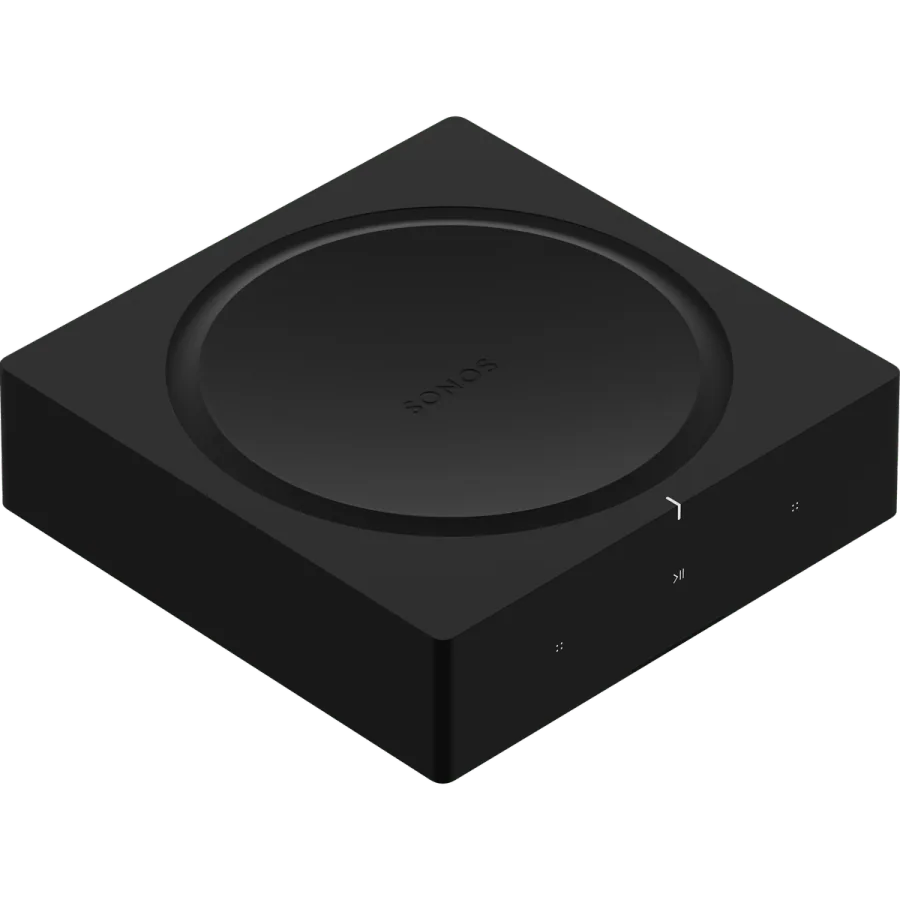
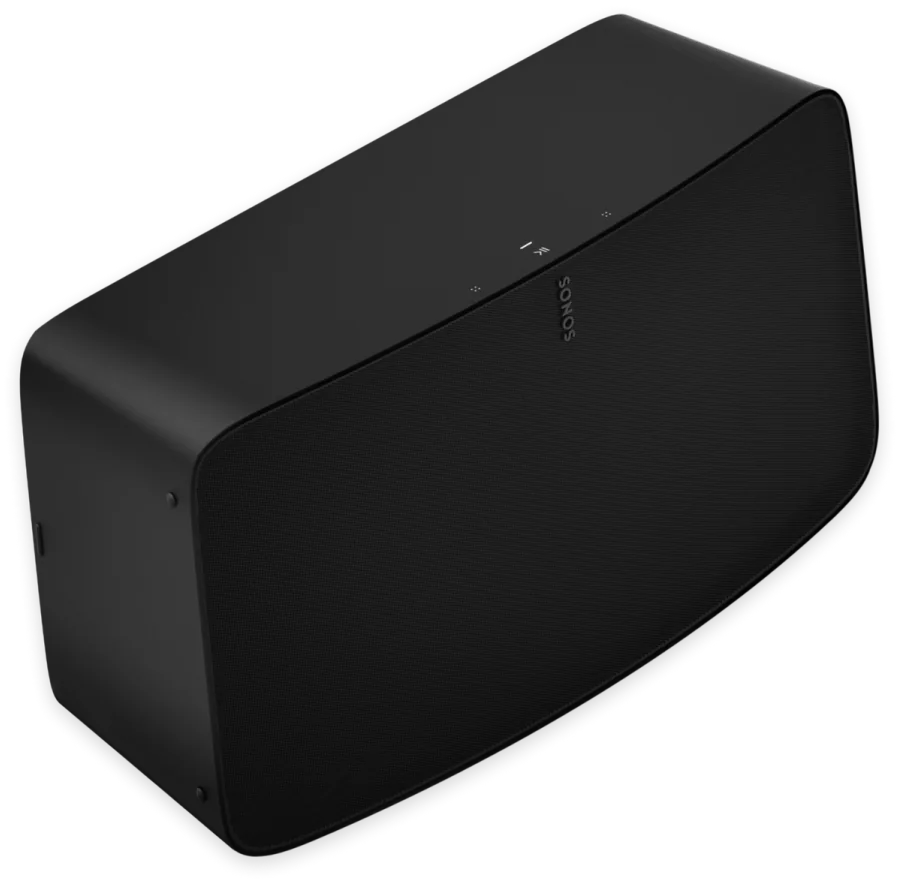
Sonos and Control4 · Melbourne
Make the whole home work together.
Tell NorthTech about your rooms and existing equipment. We can recommend a Sonos setup and confirm the Control4 integration.
Plan my systemProduct details: Sonos Sonos Beam (Gen 2). Integration details: Works with Sonos and Control4’s Sonos update.