
Melbourne installation guide
Sonos Five + Control4Give the music its own room.
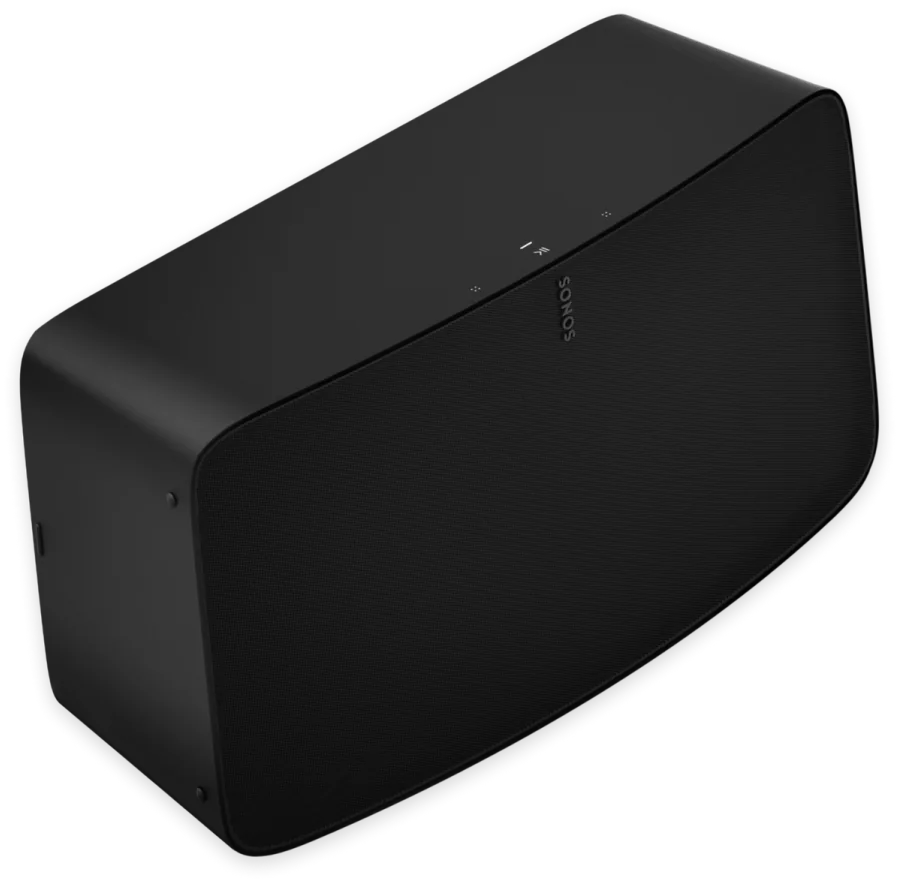
Five suits the space where listening takes centre stage. NorthTech can plan its position and how that room joins music across the rest of the home.
 Sonos product image
Designed around the way your home works.
NorthTech’s connected-home specialty
Put a music-first room on the Control4 plan.
Five can be considered as a Sonos listening room within a compatible Control4 system. NorthTech can configure supported favourites and playback controls around how the room is used, after confirming the current driver and network.
The available browsing and playback actions depend on the installed Control4 and Sonos software.
The NorthTech view
Start with the room, then choose the product.
Five suits the space where listening takes centre stage. NorthTech can plan its position and how that room joins music across the rest of the home.
This is a product and installation guide, not a NorthTech listening score. We would confirm a personal verdict before publishing a rated review.
What we would plan around
- Choose placement around the actual listening position.
- Check power and reliable network coverage.
- Decide whether the room should join wider music scenes.
Useful answers
Before you press play.
Can Five join music in other Sonos rooms?
Five can be part of a compatible Sonos multi-room system. NorthTech checks the current system and network before planning groups.
What does Control4 add?
A compatible Control4 integration can bring supported Sonos music choices and playback into the home's controls and programmed scenes.
Explore the Sonos range
Find the next piece of the Control4 home.
NorthTech can help connect the useful rooms into one system.
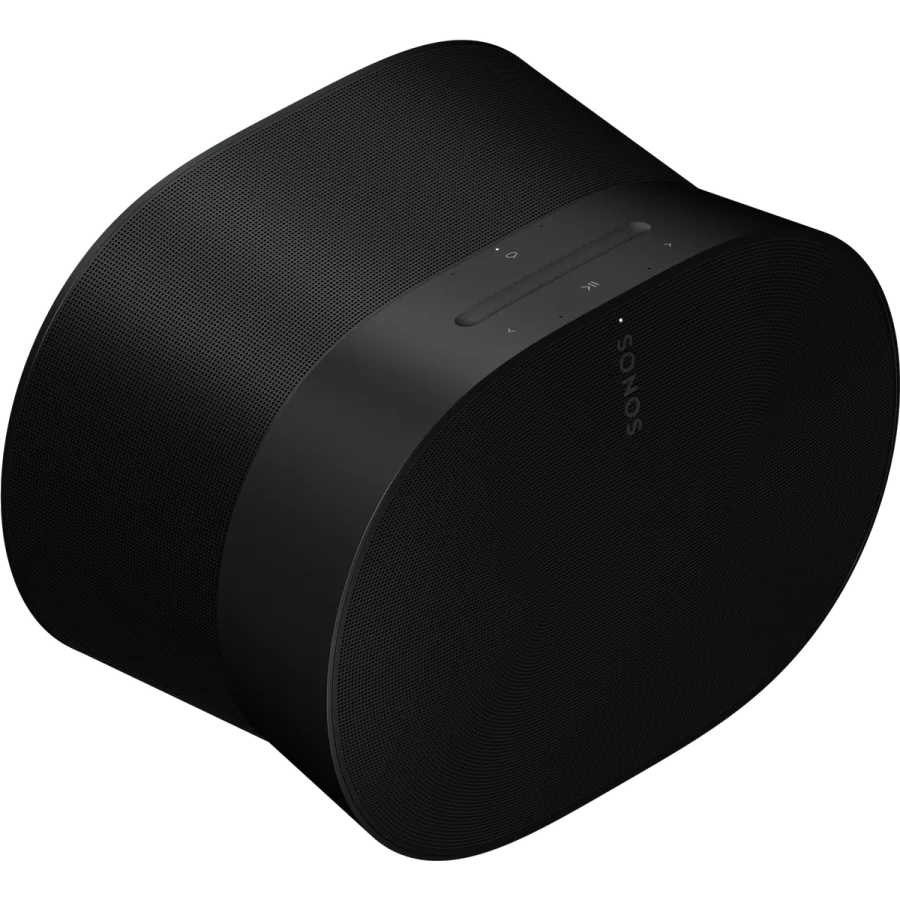
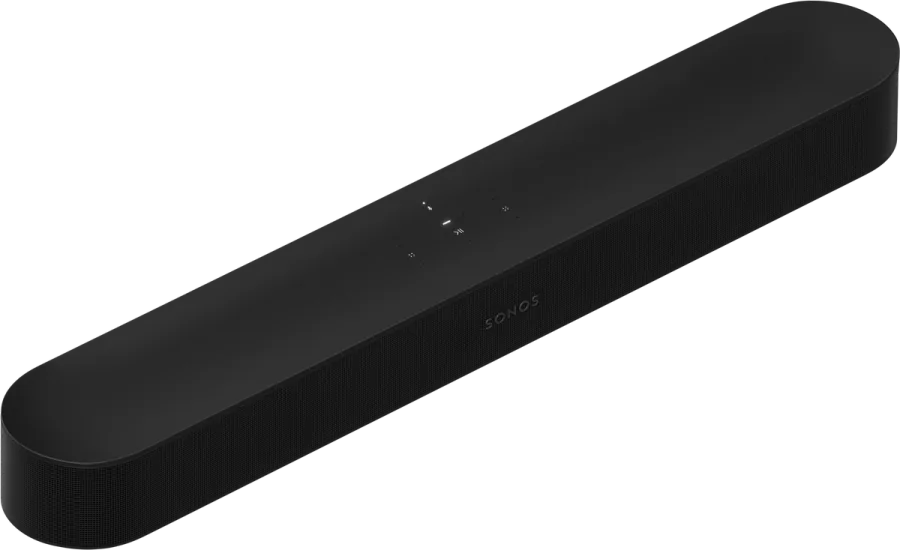
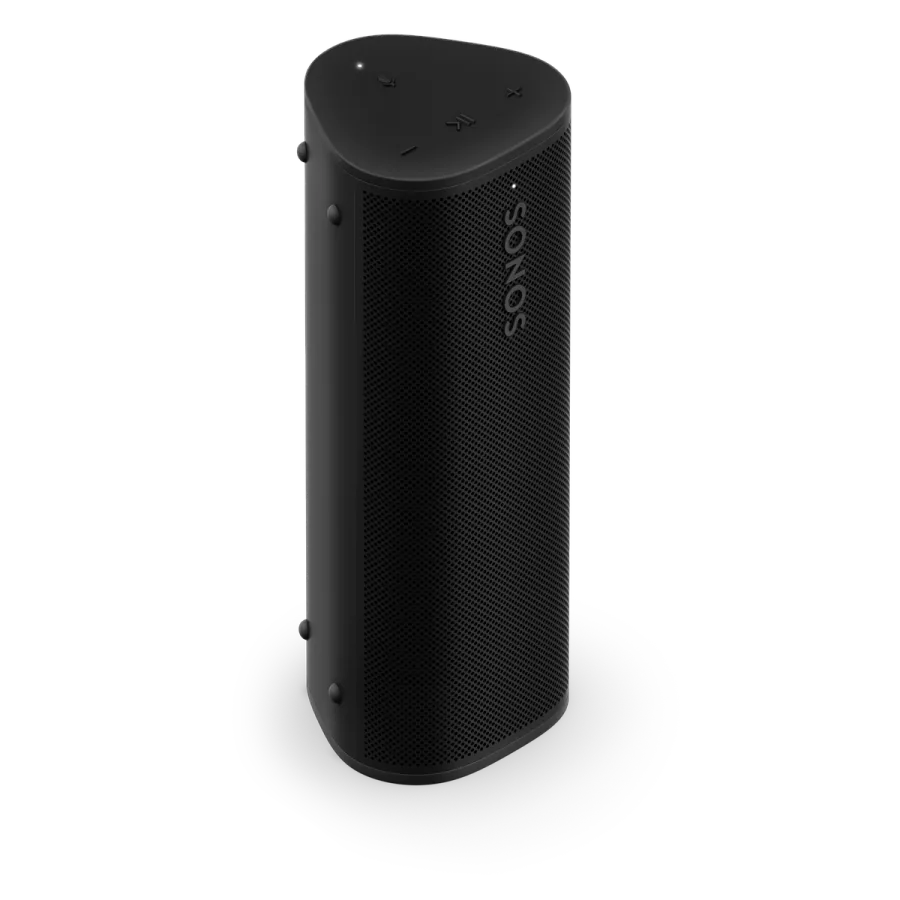
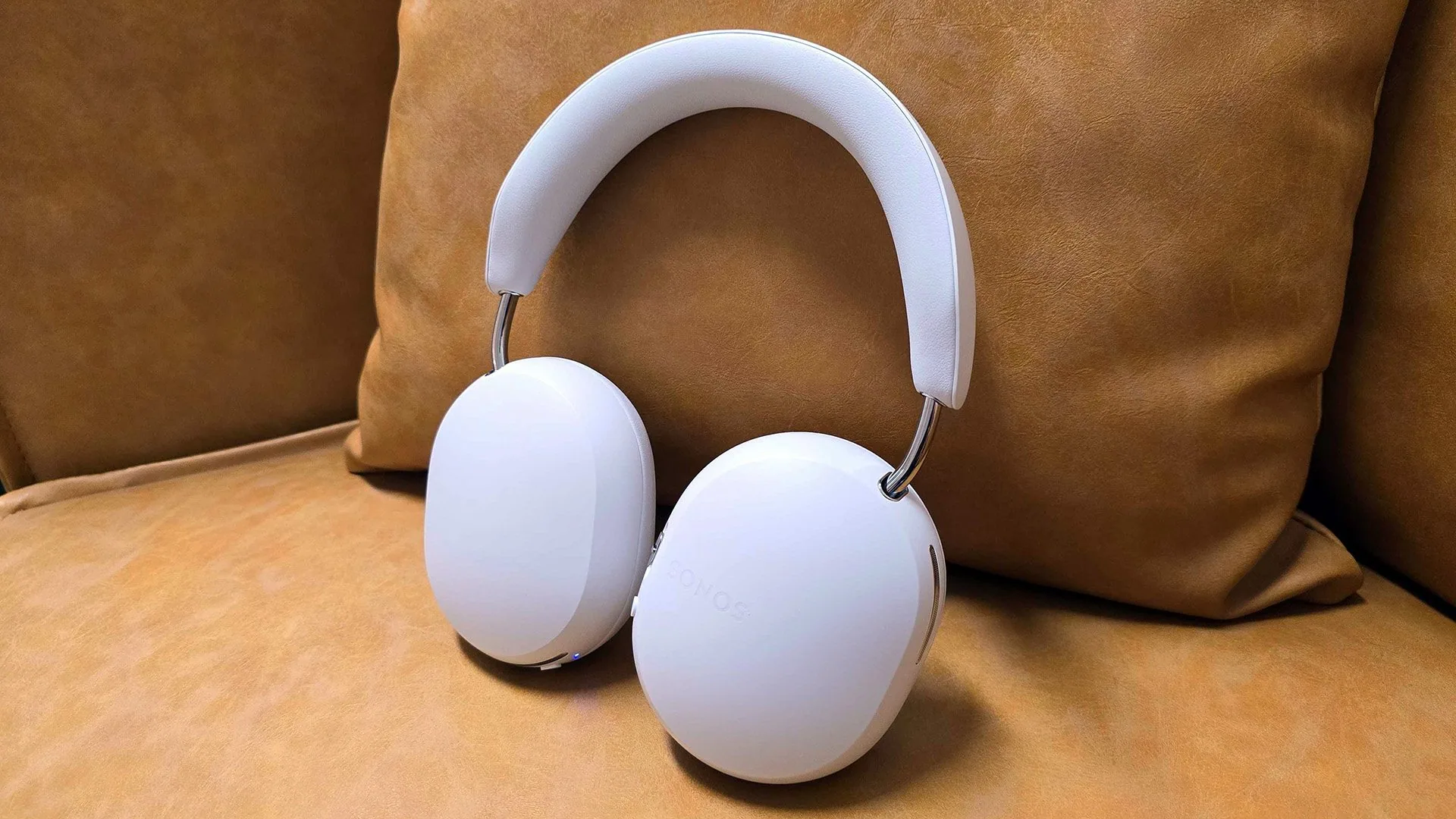
Sonos and Control4 · Melbourne
Make the whole home work together.
Tell NorthTech about your rooms and existing equipment. We can recommend a Sonos setup and confirm the Control4 integration.
Plan my systemProduct details: Sonos Sonos Five. Integration details: Works with Sonos and Control4’s Sonos update.