
Melbourne installation guide
Sonos Roam 2 + Control4Music that moves with you.
Roam 2 is the portable end of the Sonos range. It can come home to your Sonos rooms over Wi-Fi, then travel as a Bluetooth speaker when you leave.
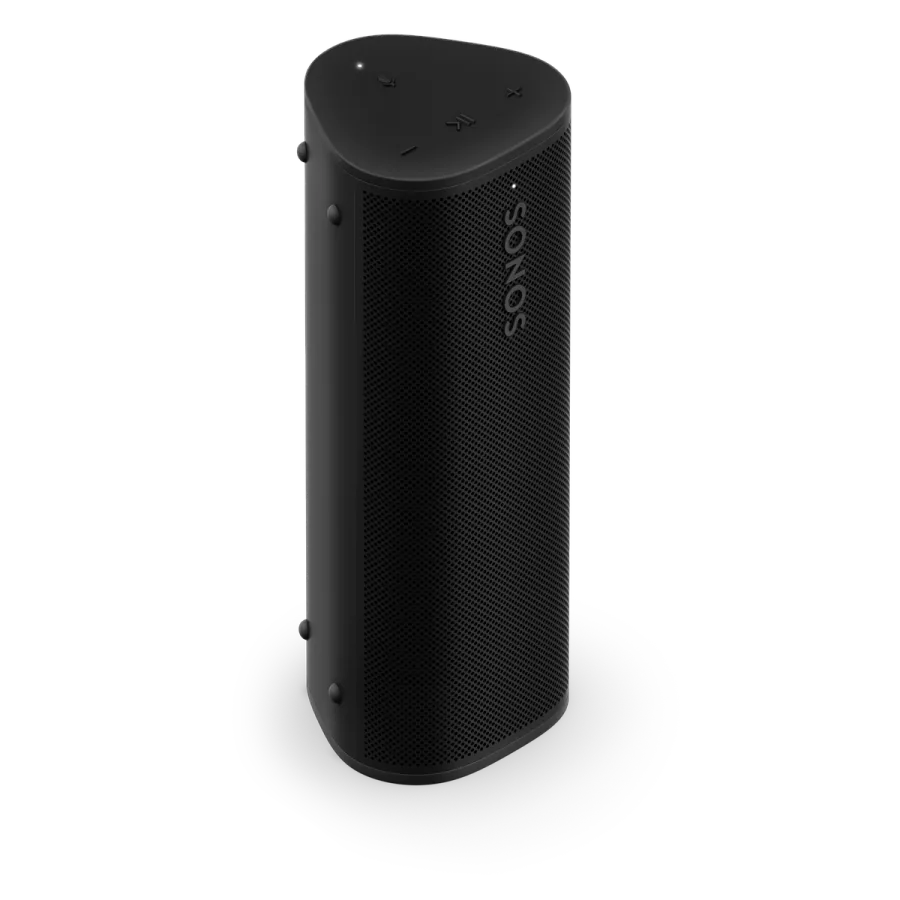 Sonos product image
Designed around the way your home works.
NorthTech’s connected-home specialty
A portable speaker with a place in the connected home.
When Roam 2 is set up on the home's Wi-Fi, NorthTech can assess how it joins a compatible Sonos and Control4 music plan. Away from home on Bluetooth, the home's Control4 room controls do not travel with it.
Roam 2 must be added to the Sonos system on Wi-Fi for home grouping; Bluetooth use away from home is a separate mode.
The NorthTech view
Start with the room, then choose the product.
Roam 2 is the portable end of the Sonos range. It can come home to your Sonos rooms over Wi-Fi, then travel as a Bluetooth speaker when you leave.
A portable product is useful in a different way from a permanently installed Control4 audio zone. NorthTech would confirm the role you want it to play.
What we would plan around
- Check Wi-Fi coverage in the places Roam 2 will be used at home.
- Decide whether it should join other Sonos rooms.
- Explain the change between home Wi-Fi and away-from-home Bluetooth use.
Useful answers
Before you press play.
Can Roam 2 join other Sonos rooms?
Yes, when it has been set up on the home Wi-Fi network through the Sonos app. NorthTech checks the network and system.
Can I use Control4 when Roam 2 is away on Bluetooth?
No. Control4's home music controls depend on the home system; Roam 2's away-from-home Bluetooth listening is separate.
Explore the Sonos range
Find the next piece of the Control4 home.
NorthTech can help connect the useful rooms into one system.
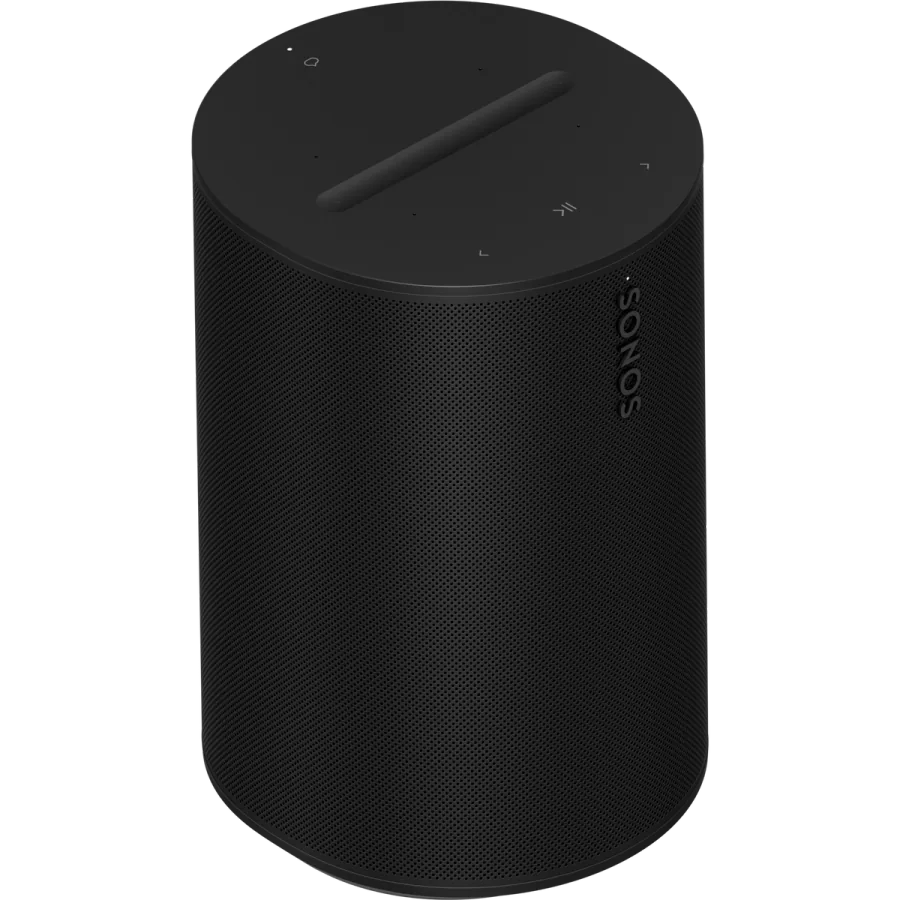
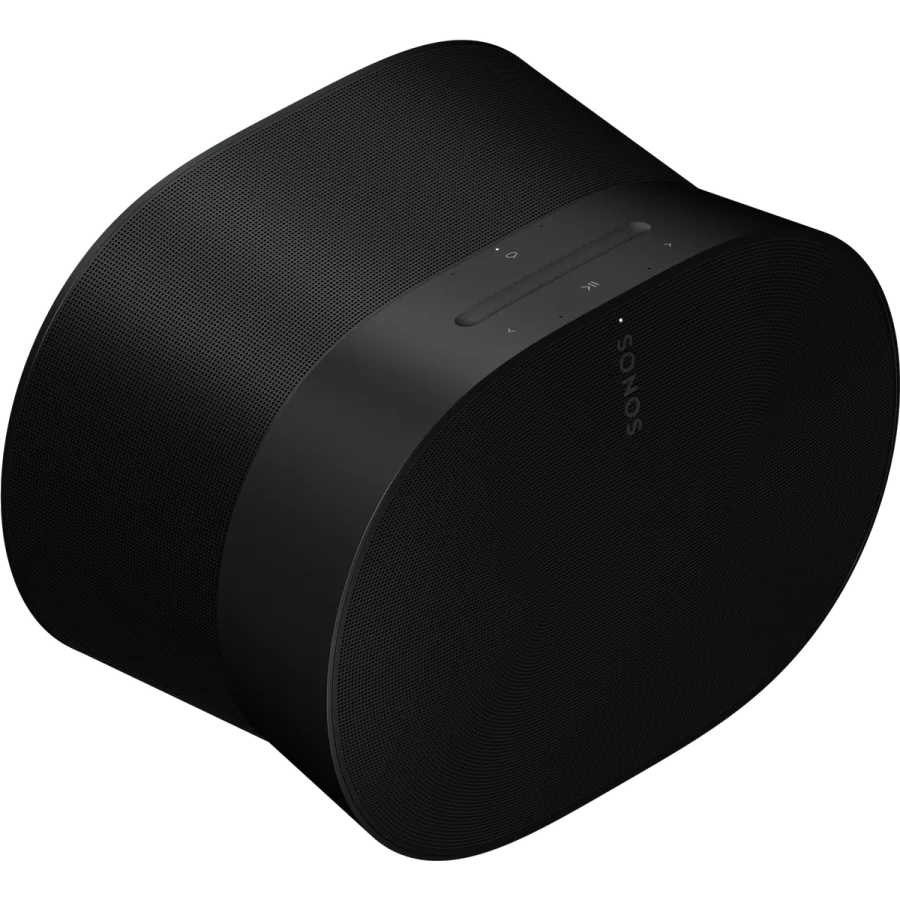
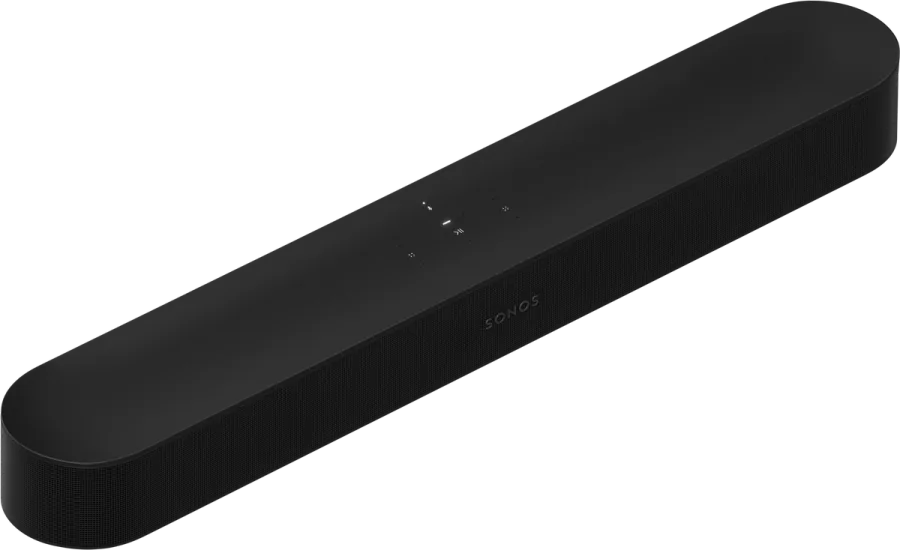
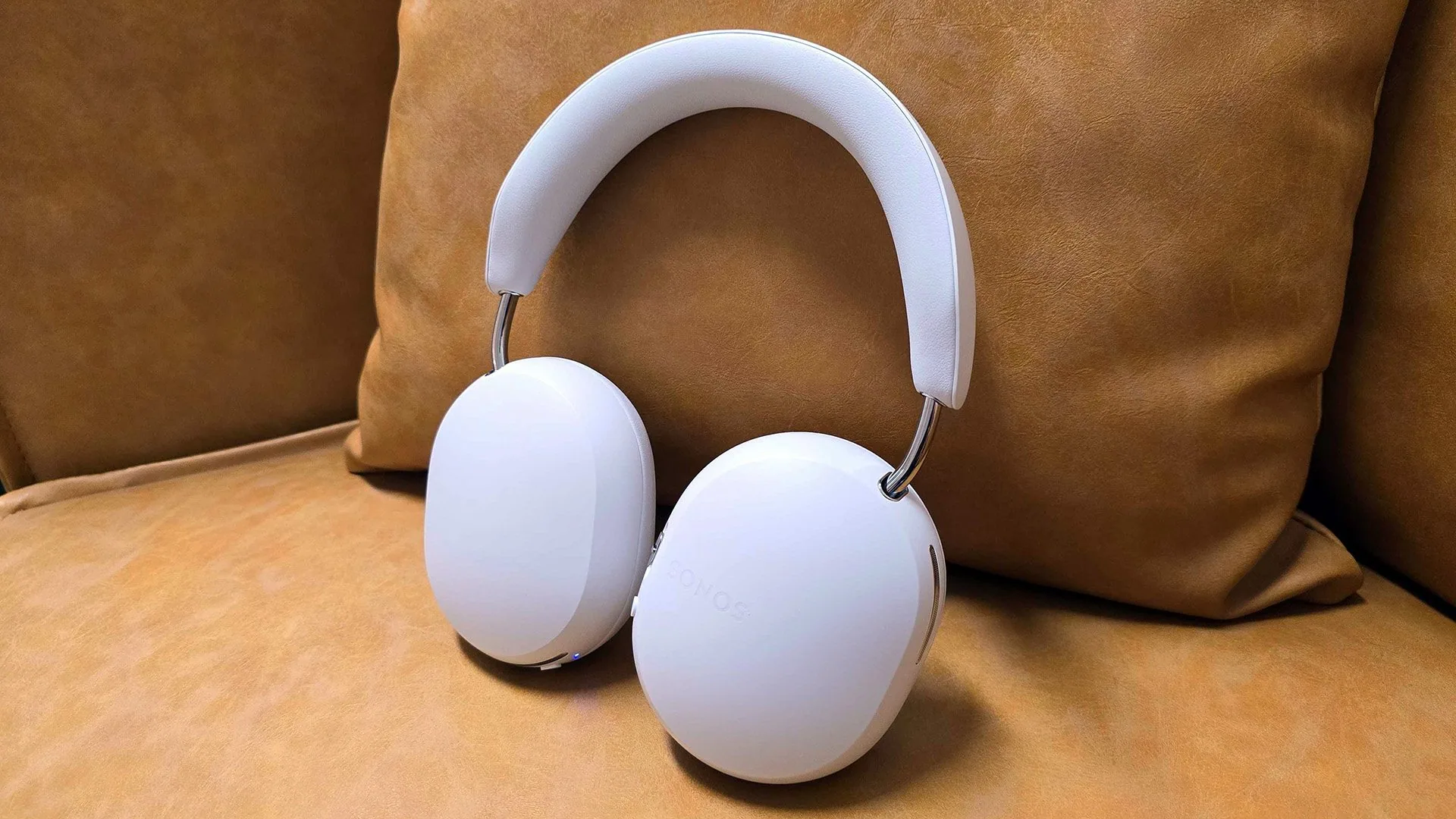
Sonos and Control4 · Melbourne
Make the whole home work together.
Tell NorthTech about your rooms and existing equipment. We can recommend a Sonos setup and confirm the Control4 integration.
Plan my systemProduct details: Sonos Sonos Roam 2. Integration details: Works with Sonos and Control4’s Sonos update. Roam 2 Wi-Fi setup.