
All Control4 X4 guides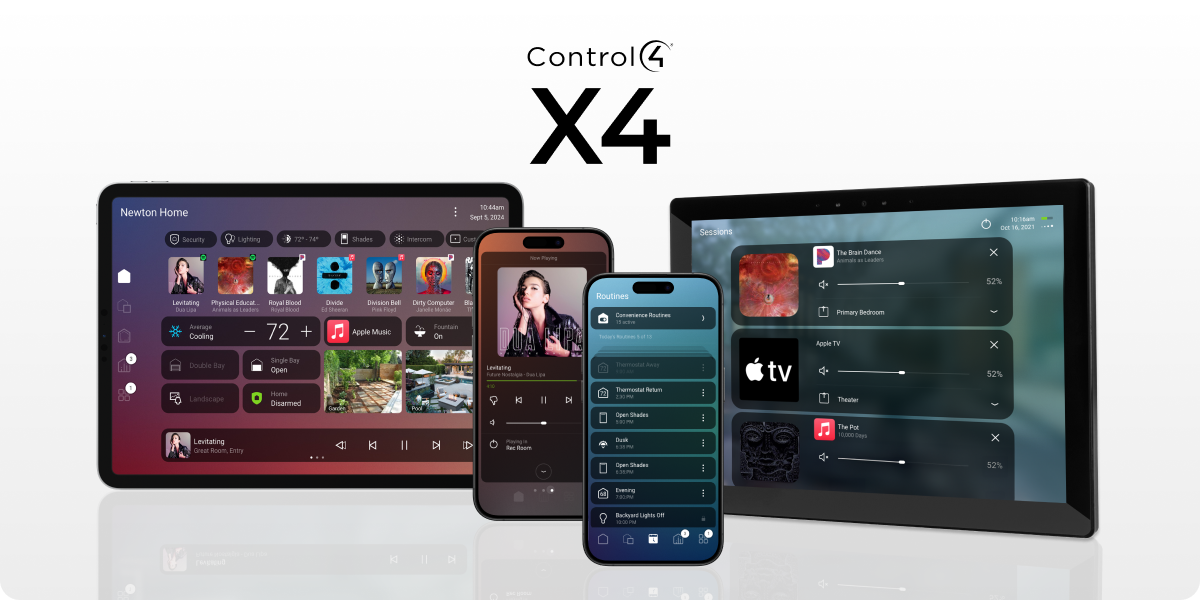
Control4 X4 example. Your home’s controls depend on what is installed.
Home screen · Control4 X4
Add a favourite to your home screen
Keep the controls you use often close at hand.
NorthTech guide · About 3 minutes
Add a favourite to your home screen
Favourites help you reach a room, device or action more quickly. Start with something you use every day.
- Find the room, light or other control you would like to keep handy.
- Open that item's options and choose the available favourite or home-screen action.
- Return to the home screen and check that the item appears where you expect.
Still need help?
Tell us which screen you are on and what you are trying to do. We can check how your system was set up.
Get support