
NorthTech guides · Control4 X4
Feel at home with Control4 X4.
Short, practical guides for the things you do most often — from finding a room to playing music and using routines.
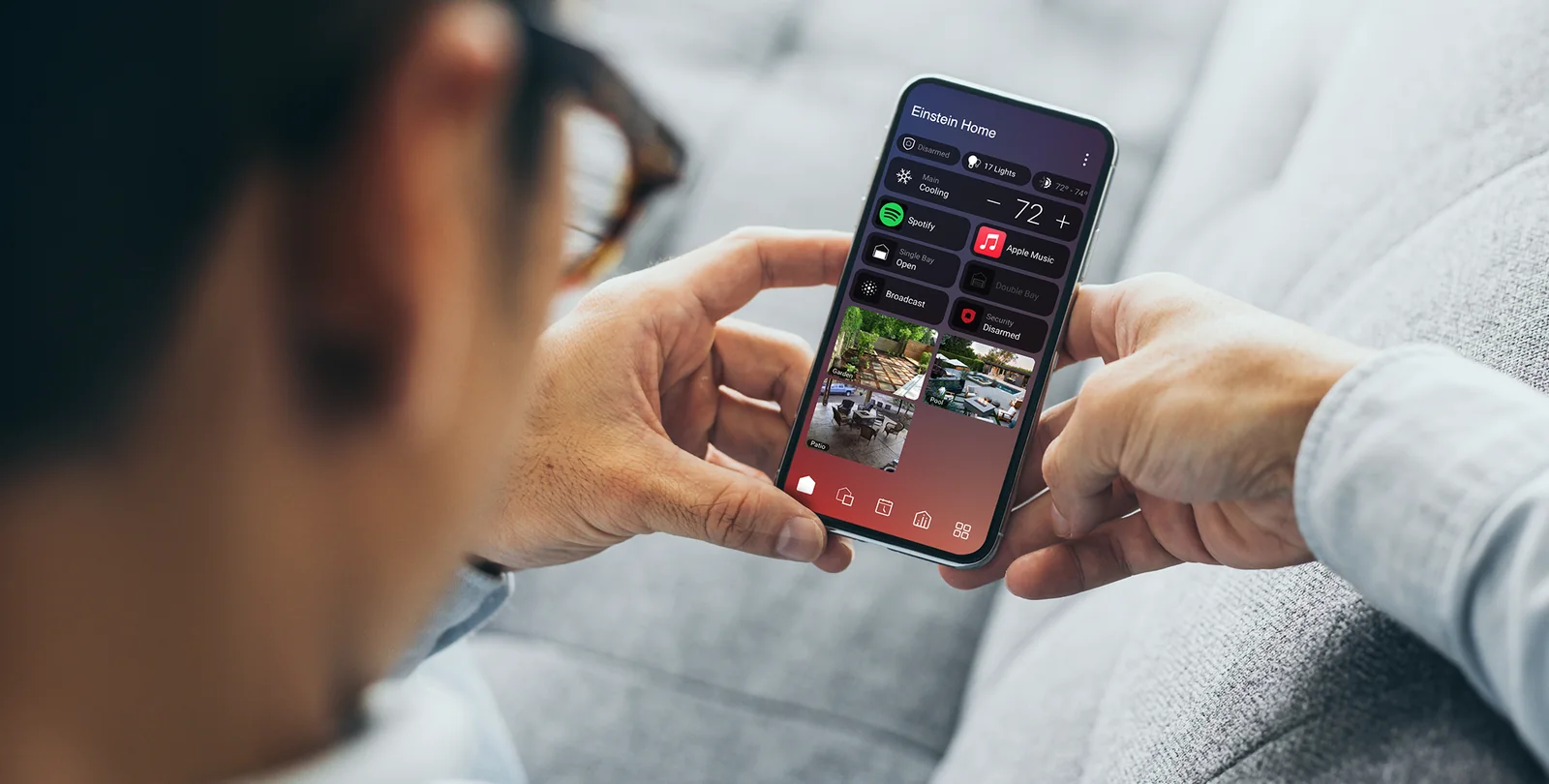
Made for everyday use. Each guide covers one task, with clear steps and a way to get help if your home works differently.
Start here
The everyday essentials
Three good places to get comfortable with X4.
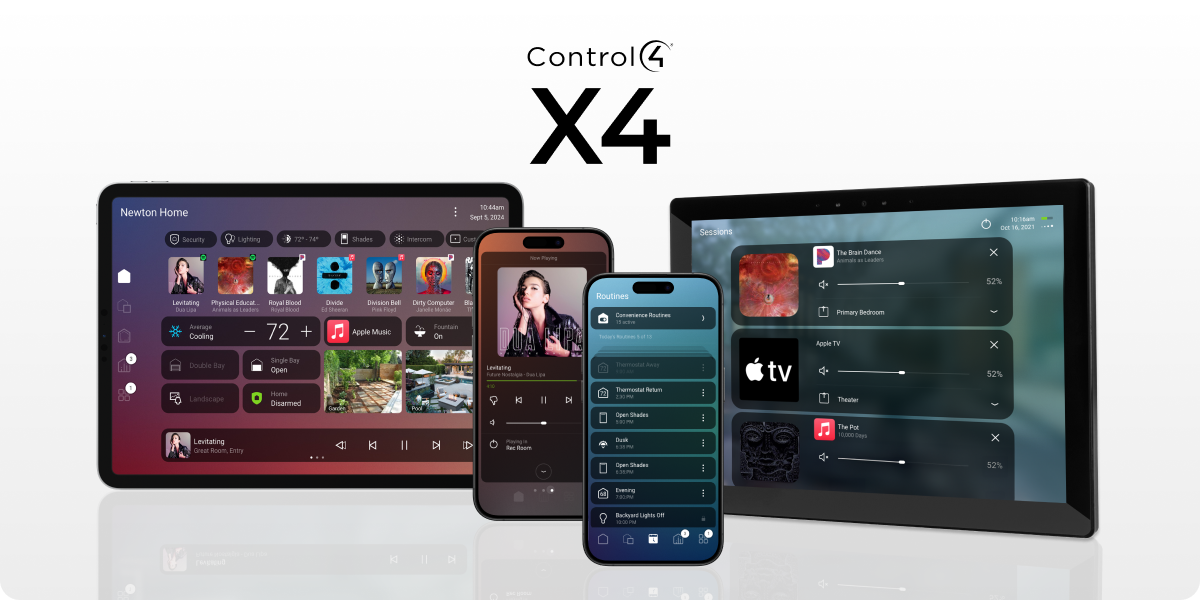 Getting started3 min readGet to know your X4 home screenFind rooms, see what is on and reach the controls you use most.Read guide
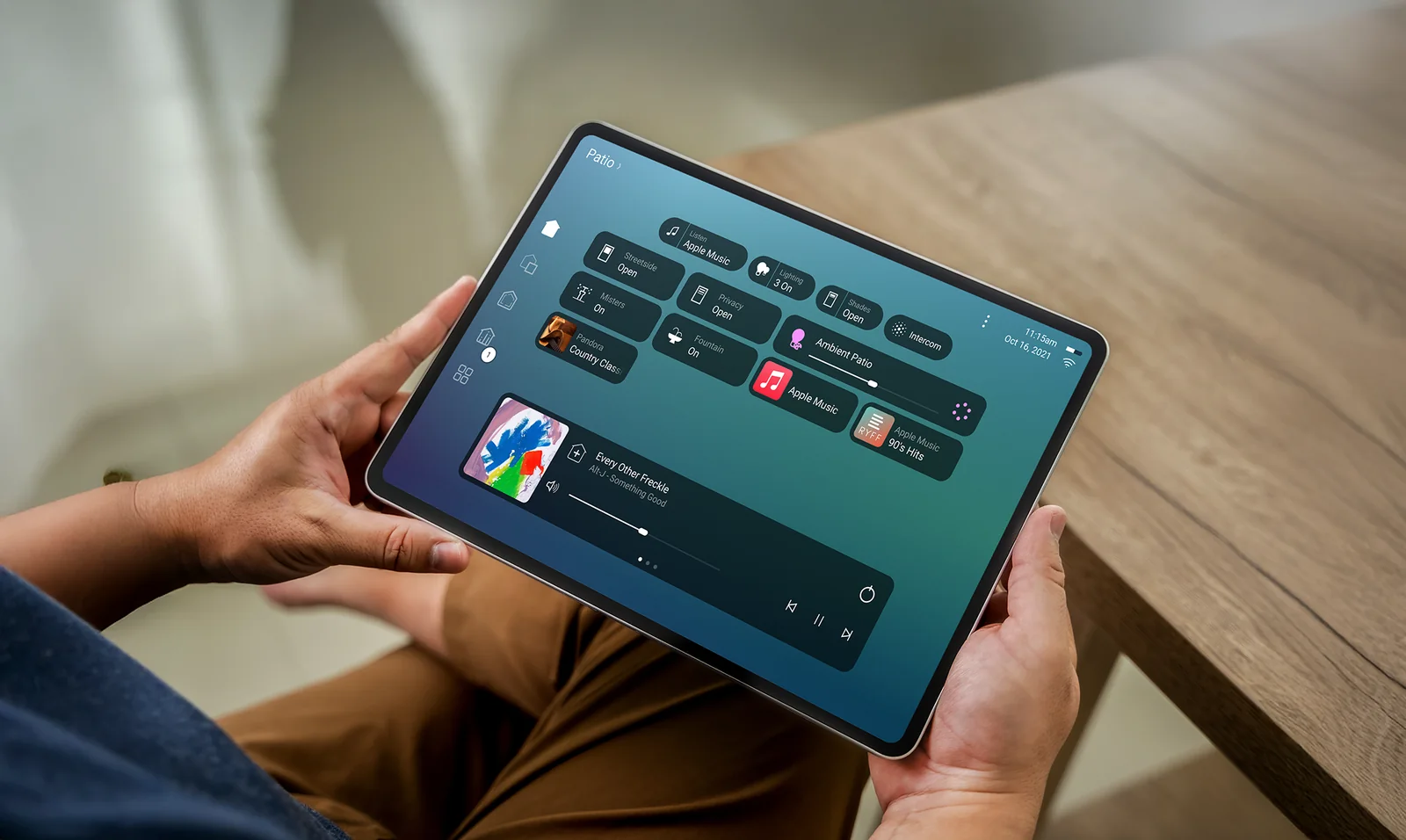 Music3 min readPlay music in another roomStart listening, add a room, change the volume and stop playback.Read guide Routines4 min readUse a routineRun an existing routine and check what your home has scheduled.Read guide
Browse all guides
What would you like to do?
Add a favourite to your home screenKeep the controls you use often close at hand. 3 min readUse a lighting sceneSet the mood across a room with one action. 2 min readView your cameras in Control4Check a live camera view from your X4 screen. 2 min readControl your home while you’re awayUse the app away from home and know what to check if it cannot connect. 3 min read
Need a hand with your system?
Every Control4 home is configured differently. Tell us what you’re seeing and we’ll help.