All Control4 X4 guides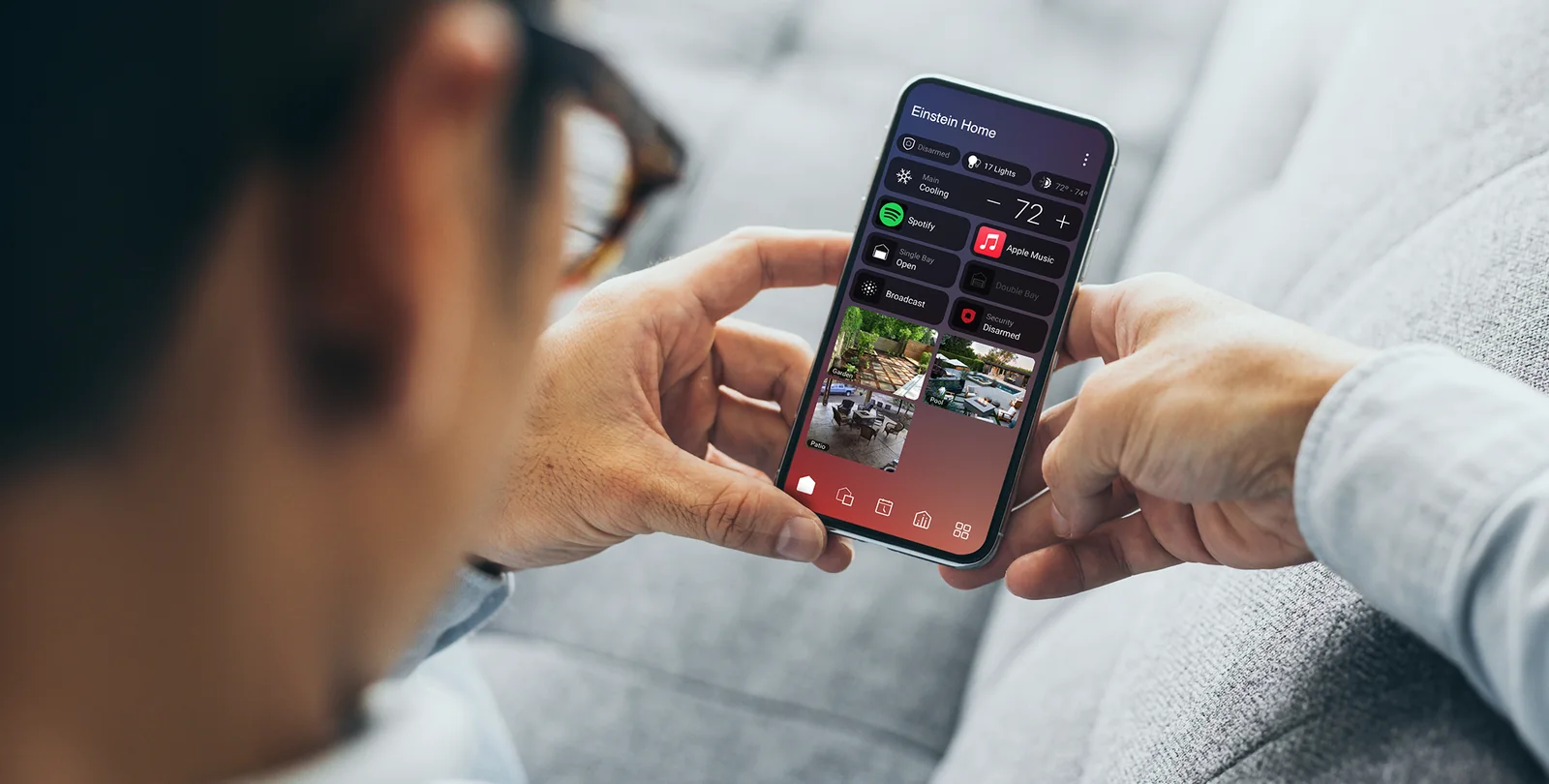
Control4 X4 example. Your home’s controls depend on what is installed.
Control4 app · Control4 X4
Control your home while you’re away
Use the app away from home and know what to check if it cannot connect.
NorthTech guide · About 3 minutes
Control your home while you’re away
Remote access lets you use supported Control4 controls when you are away from the property. It depends on your system and an eligible active service.
- Check that your phone has an internet connection, then open the Control4 app.
- Choose your home and try a familiar control, such as a light or camera view.
- If the app cannot connect, note the message on screen and whether the problem happens only away from home.
- Contact NorthTech with those details so we can check the property connection and your remote-access setup.
Still need help?
Tell us which screen you are on and what you are trying to do. We can check how your system was set up.
Get support