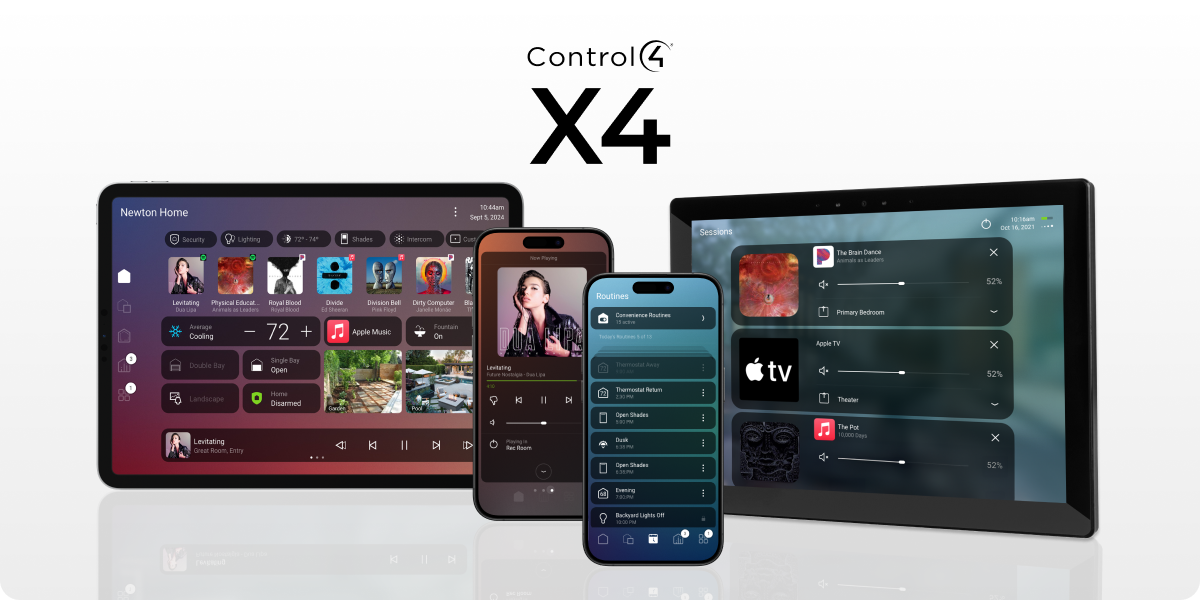
Find rooms, see what is on and reach the controls you use most.
NorthTech guide · About 3 minutes
Control4 X4 example. Your home’s controls depend on what is installed.
Find what you need
Your home screen brings useful controls and information together. What appears on yours depends on the equipment and rooms NorthTech has set up at your property.
1Open the Control4 app and look over the controls on the home screen. These may include lights, music, cameras or other parts of your home.
2Choose a room to see the controls available there. Move between rooms when you want to control another area.
3Return to the home screen to see your most useful controls and current activity in one place.
Still need help?
Tell us which screen you are on and what you are trying to do. We can check how your system was set up.