
All Control4 X4 guides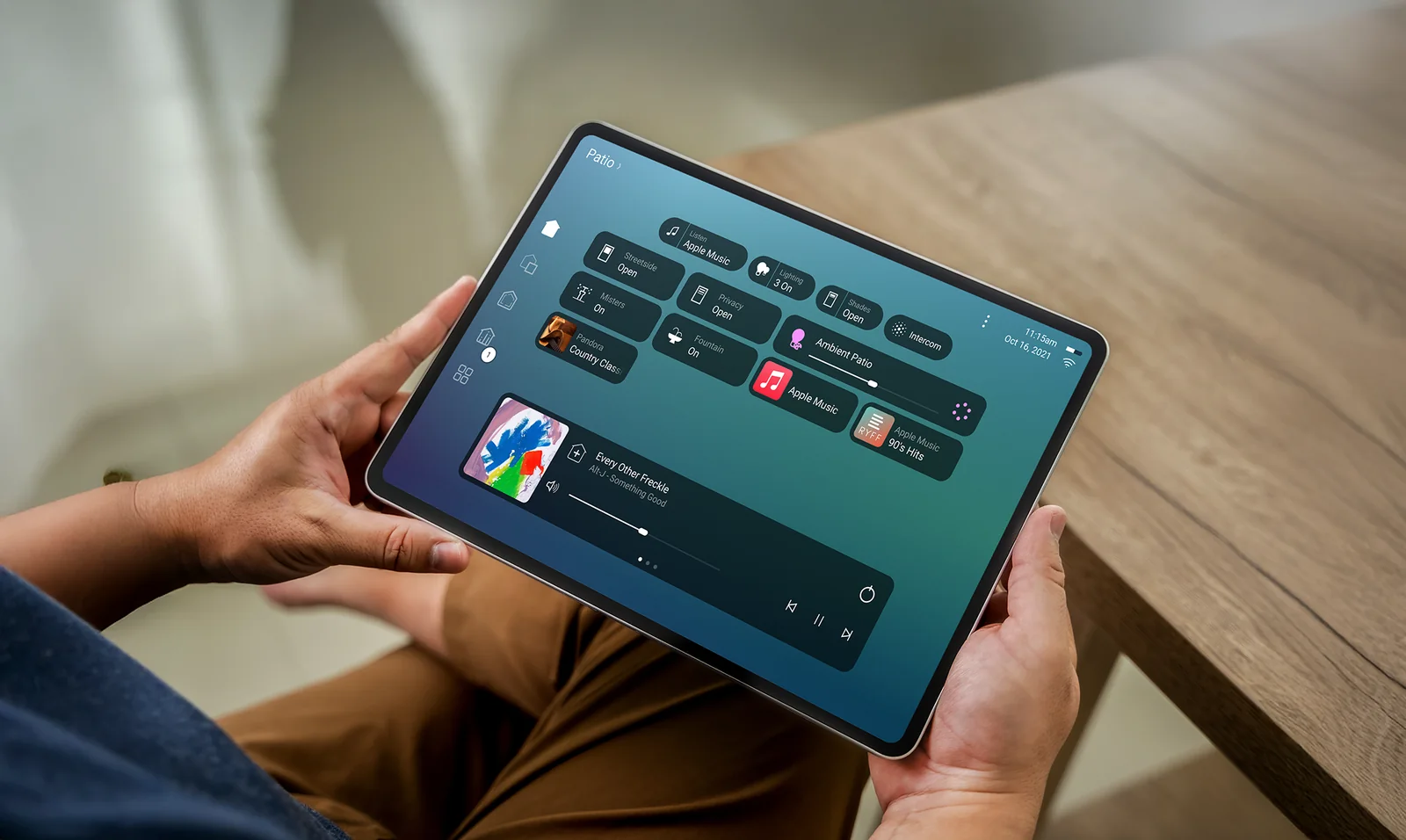
Control4 X4 example. Your home’s controls depend on what is installed.
Lighting · Control4 X4
Use a lighting scene
Set the mood across a room with one action.
NorthTech guide · About 2 minutes
Use a lighting scene
A lighting scene is a saved combination of lights and brightness levels. It can change several lights together.
- Open the room whose lighting you want to change.
- Find the lighting scenes available for that room.
- Choose a scene and check how the lights respond. Select another scene or adjust an individual light if you want a different result.
Still need help?
Tell us which screen you are on and what you are trying to do. We can check how your system was set up.
Get support