
All Control4 X4 guides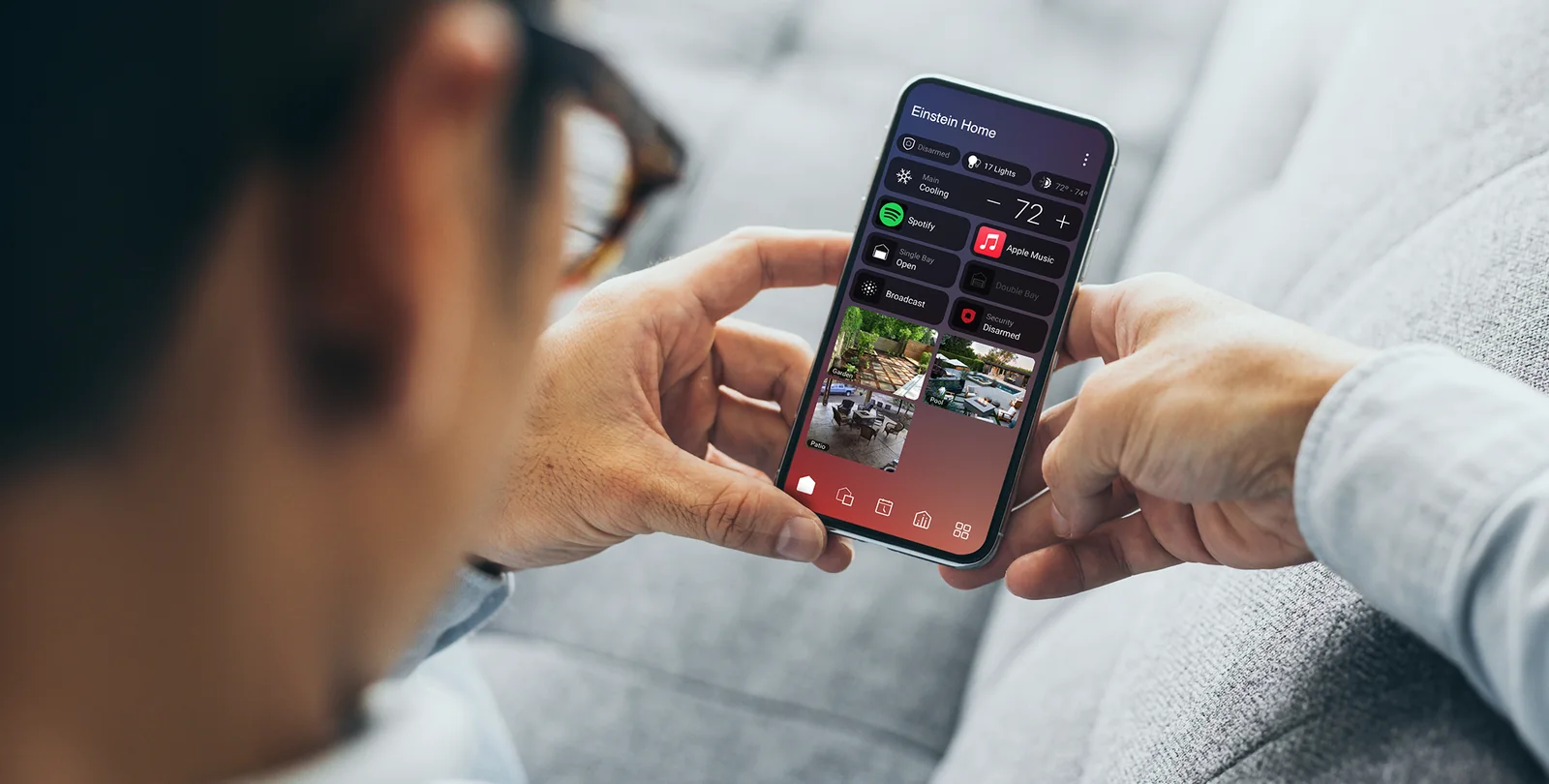
Control4 X4 example. Your home’s controls depend on what is installed.
Cameras · Control4 X4
View your cameras in Control4
Check a live camera view from your X4 screen.
NorthTech guide · About 2 minutes
View your cameras in Control4
If your cameras are connected to Control4, you can check their live views from a supported phone or touchscreen.
- Open the camera area or a camera tile in Control4.
- Choose the camera you want to view and allow a moment for the live picture to load.
- Use the camera system's own app for recordings or settings if NorthTech provided one for your installation.
Still need help?
Tell us which screen you are on and what you are trying to do. We can check how your system was set up.
Get support